Getting Started
RULE #1: ALWAYS WORK ON A THEME COPY!
Always test the Power Product Page installation on a theme copy first, then publish the theme copy when you are ready. Here is a quick tutorial for creating a theme copy.
1. Install the Data Core and Modules app blocks
Power Product Page is installed by using theme App Blocks.
The easiest way to find these is go to the Power Product Page app and click “Installation” in the left column nav. There you will see our list of available app blocks.
You can also easily naviagate to your Shopify Admin > Online Store, then select the Edit theme option on your theme copy. Then navigate to your product page and click to add a section, click “Apps” and search for “power.” That will list all of our available app blocks.
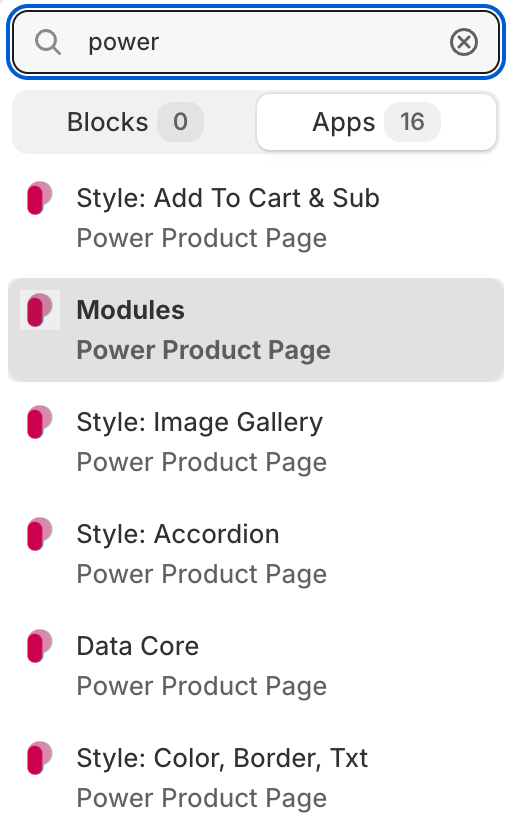
2. Install the Style app blocks for further customizations
After installing the Data Core and Modules app blocks, you can customize the different modules using the Style: ... app blocks.
3. Configure the optional Metafields
For manual installation, you need to ensu