Power Product Page / Image Alt Tags
Image Alt Tags
Our Image Gallery matches to product variant options based on the values you add in your product media image alt fields.
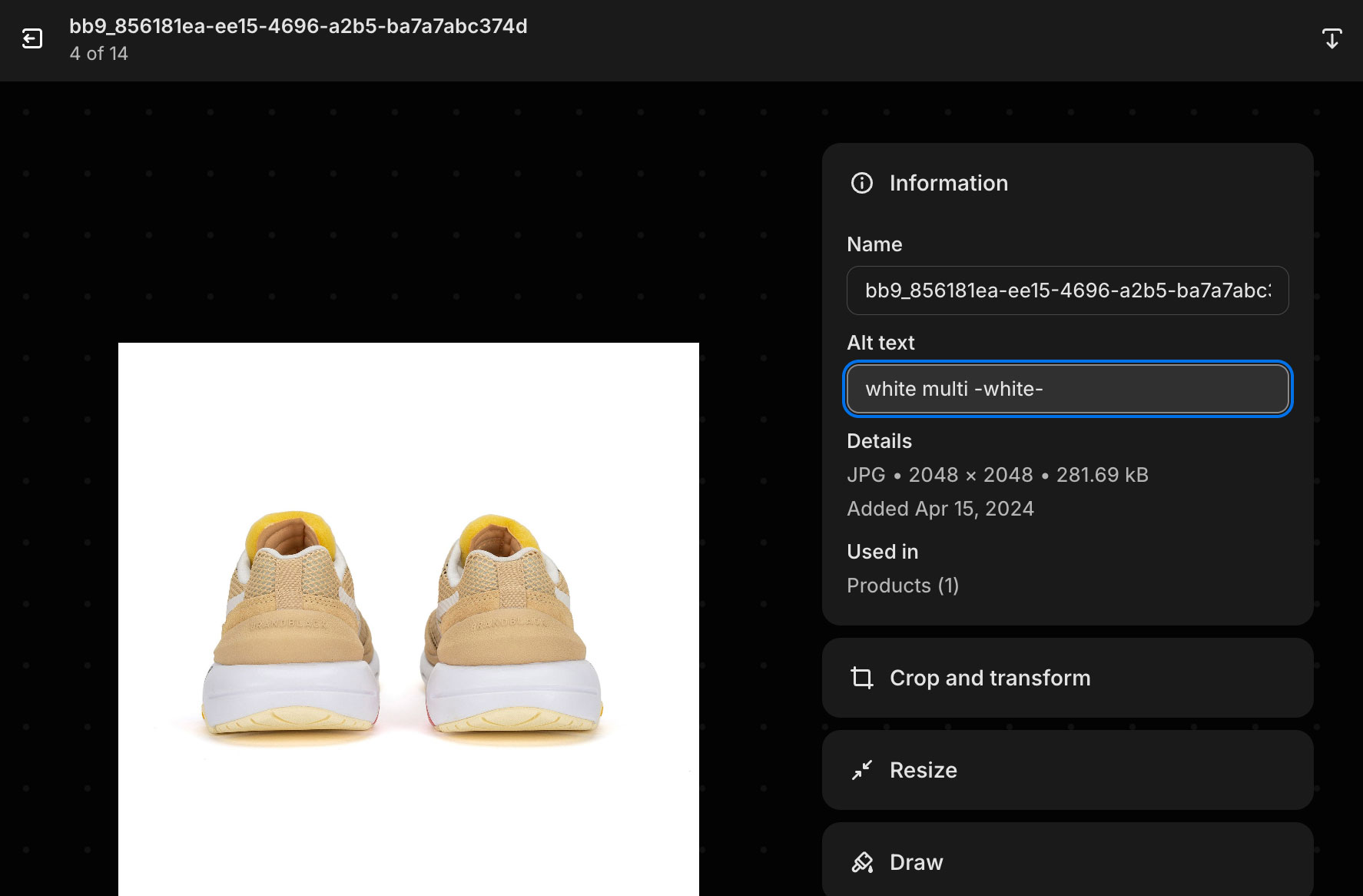
Include your product option values in the image alt tag, with increasing specificity as desired.
For example, if you separate variants by color, simply add your colors like white or black to your image alt tags.
If you want specific images for for white size 8, just add white 8 somewhere in your alt tag.
Exclude Intersecting Colors/Options
If you have product options that could intersect, and you’d like to exclude another option like color, see below.
We have two colors for a product, White Multi and White. We exclude white with the format -white-, so the image will show exclusively for the option White Multi instead of White.