Power Product Page / Style: Image Gallery
Style: Image Gallery
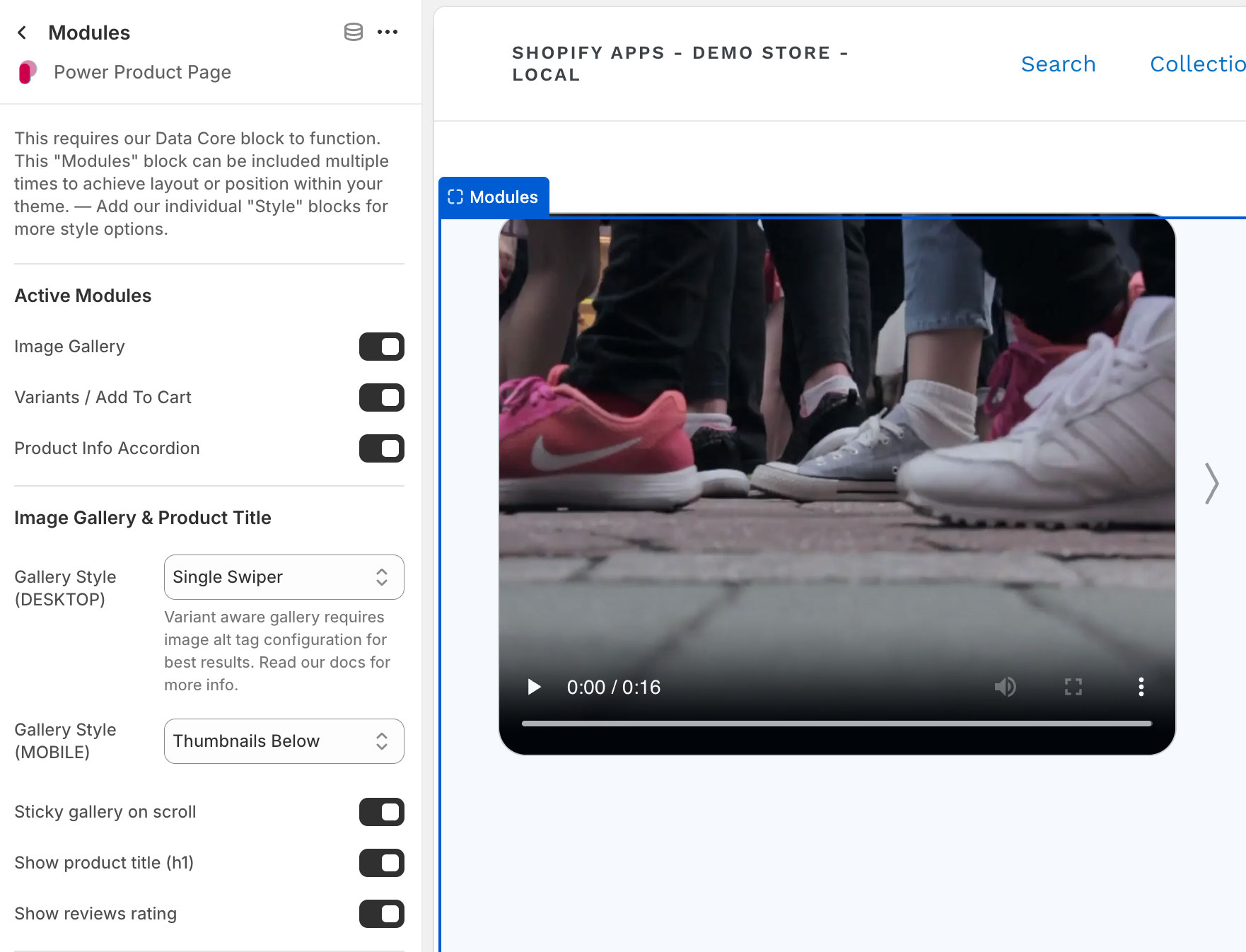
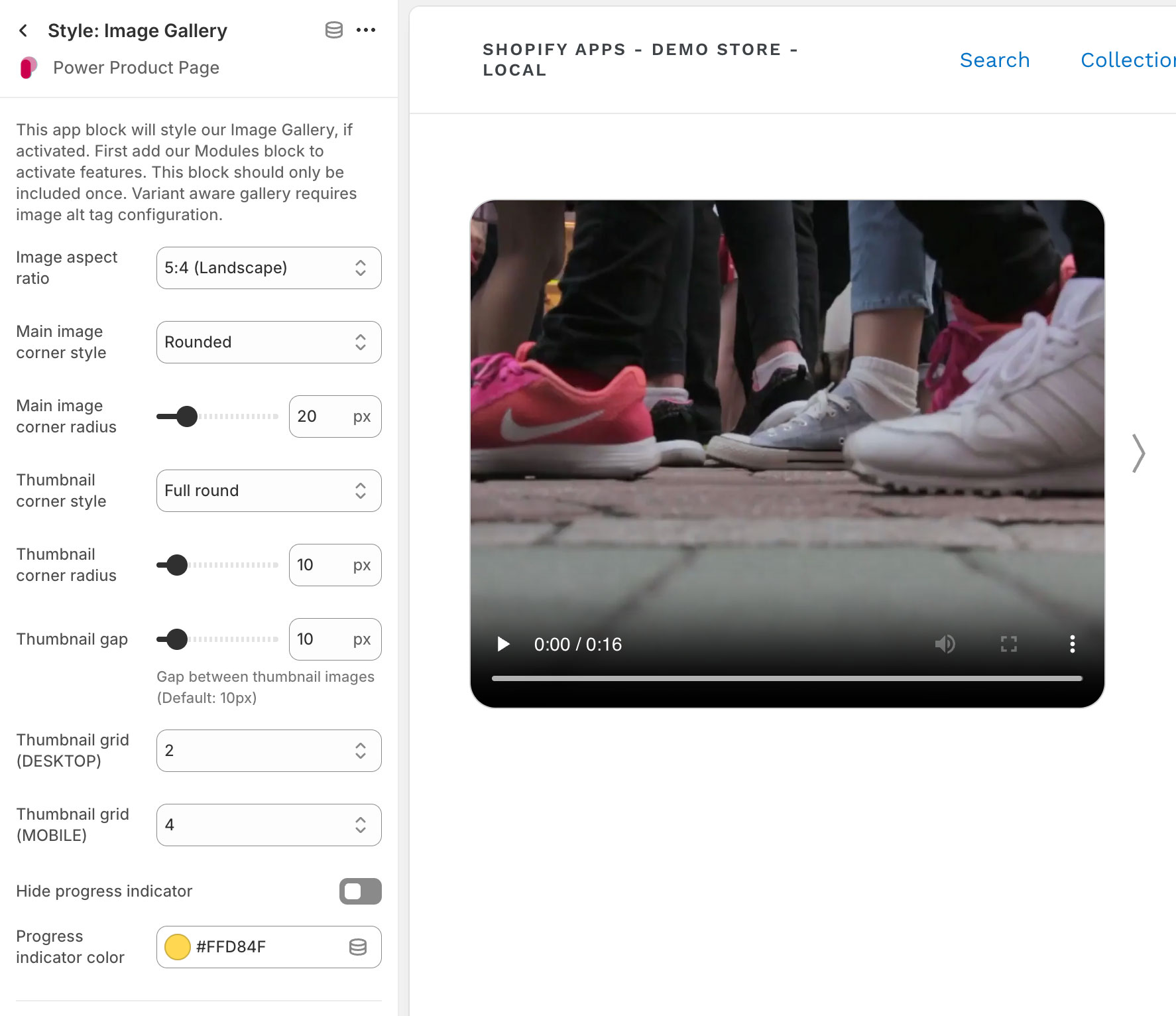
The Image Gallery is actived in the Modules app block, with additional style options by adding the Style: Image Gallery app block.
Configure your layout columns, component spacing, and mobile breakpoint with the Style: Main Layout app block.
Set your Image Alt Tags to assign images based on product variant options.