Power Product Page / Subscription Buy Box
Subscription Buy Box
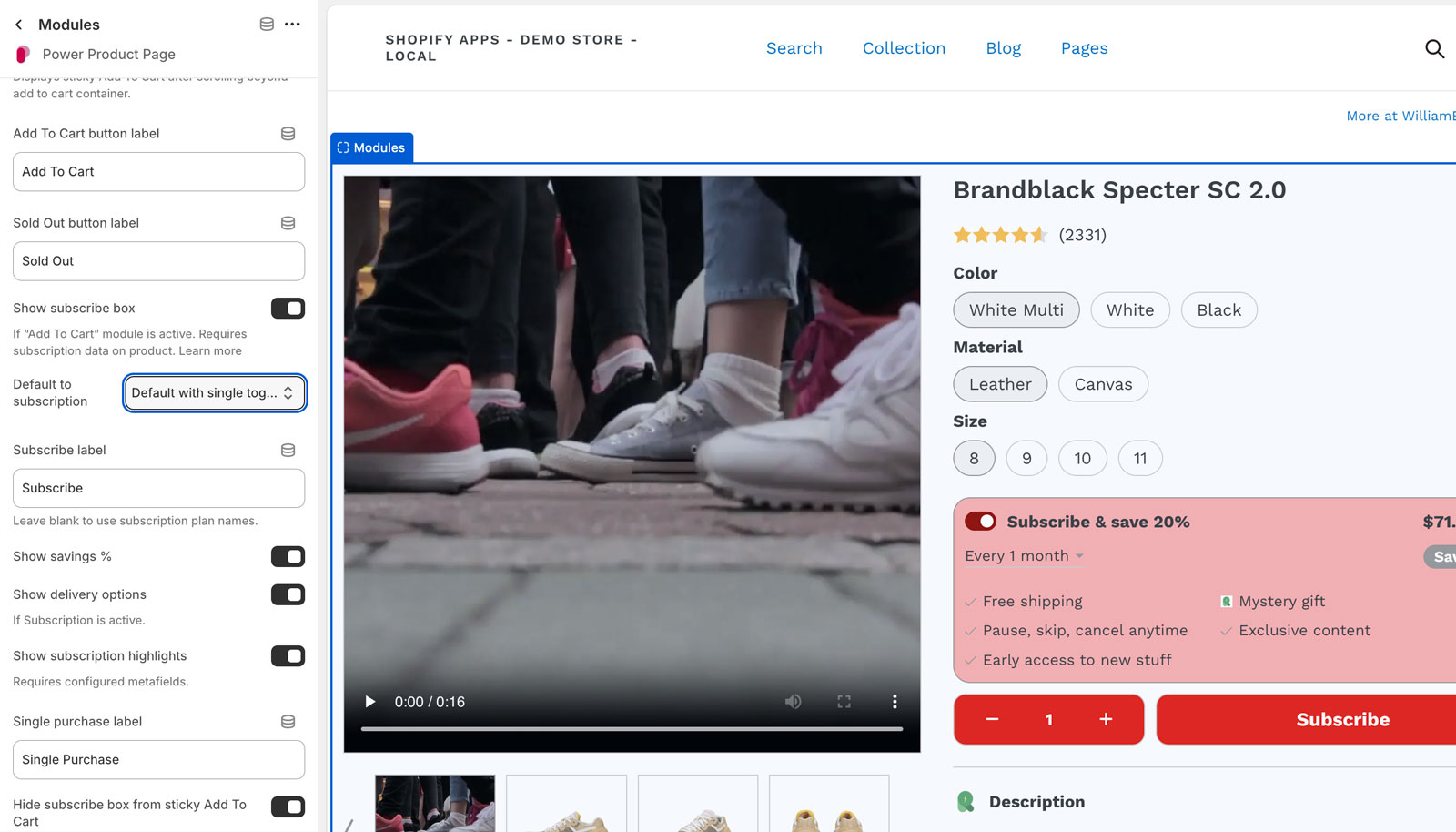
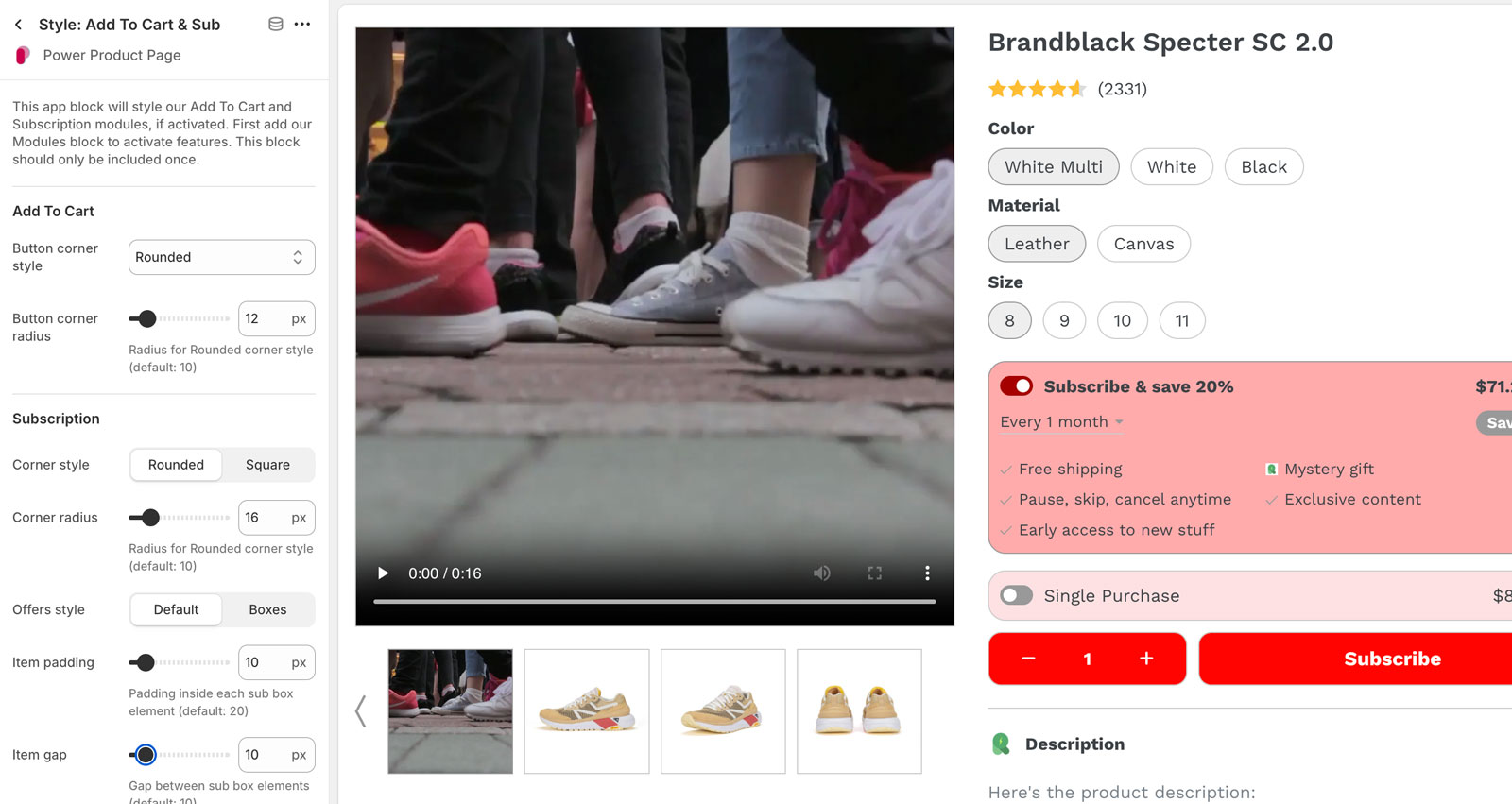
The Subscription buy box is activated in the Modules app block, with additional style options by adding the Style: Add To Cart & Sub app block.
In order for the Subscription options to appear, you must use a subscription app to define selling plans for your product.
Configure the colors of your Add To Cart buttons and text with the Style: Color, Border, Txt app block.
Configure your layout columns, component spacing, and mobile breakpoint with the Style: Main Layout app block.
Link directly to a specific subscription offer
Add query param ppp_sub_offer_i={n} to your url to pre-select a subscription offer, using 0 index. For example, pre-select the second subscription offer, ppp_sub_offer_i=1.